Your Planning & Execution Hub Help Centre
Back to Learning Centre

Your Planning & Execution Hub

Turn strategy into coordinated action with clear priorities, accountable ownership, visible progress and connected people leadership.
Explore each part of the hub to see how planning, delegation and accountability work together.

Planning and execution illustration

Build Your Annual Plan With Us

Book an included strategy planning session and work directly with us to turn your priorities into a clear, accountable plan.

Plan

Set annual objectives and priorities.

Own

Assign clear operational ownership.

Execute

Turn initiatives into accountable tasks.

Review

Use regular rhythms to stay on track.

Learn Your Way Around

Explore each part of the hub to understand how strategy, ownership, commitments, people rhythms and scheduling work together.

1

Strategic Planning

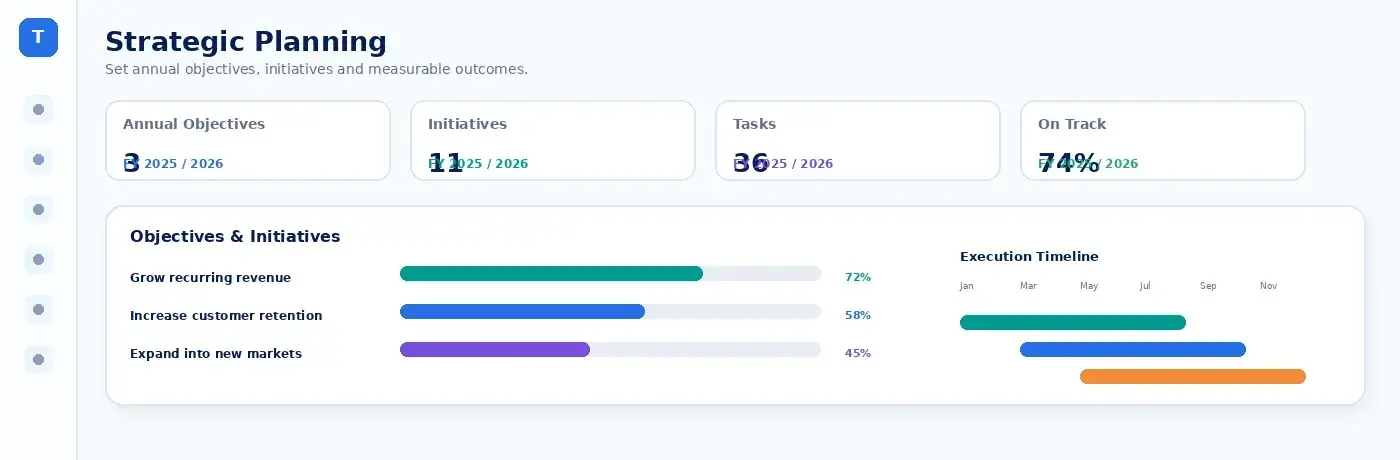
Build the hierarchy that connects annual strategy to everyday execution.
Strategic Planning preview
Set 3–5 focused annual objectives
Align initiatives to each objective
Turn initiatives into owned tasks
2

Operational Ownership

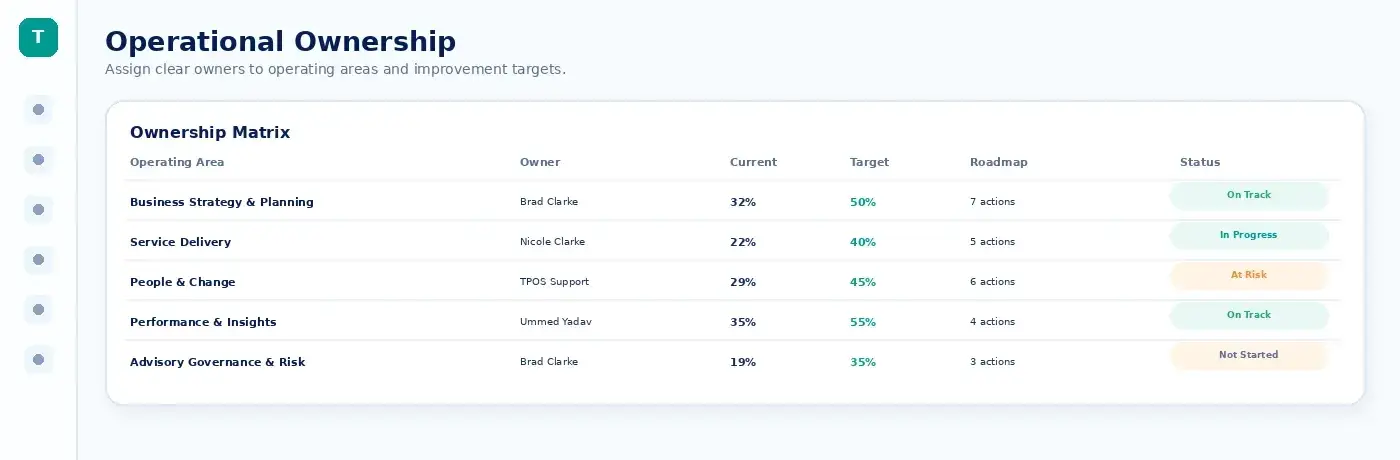
Assign accountable owners and maturity targets across the 10 TPOS operating areas.
Operational Ownership preview
Assign an owner to each operating area
Set current and target maturity
Equip owners with roadmaps and resources
3

Progress & Accountability

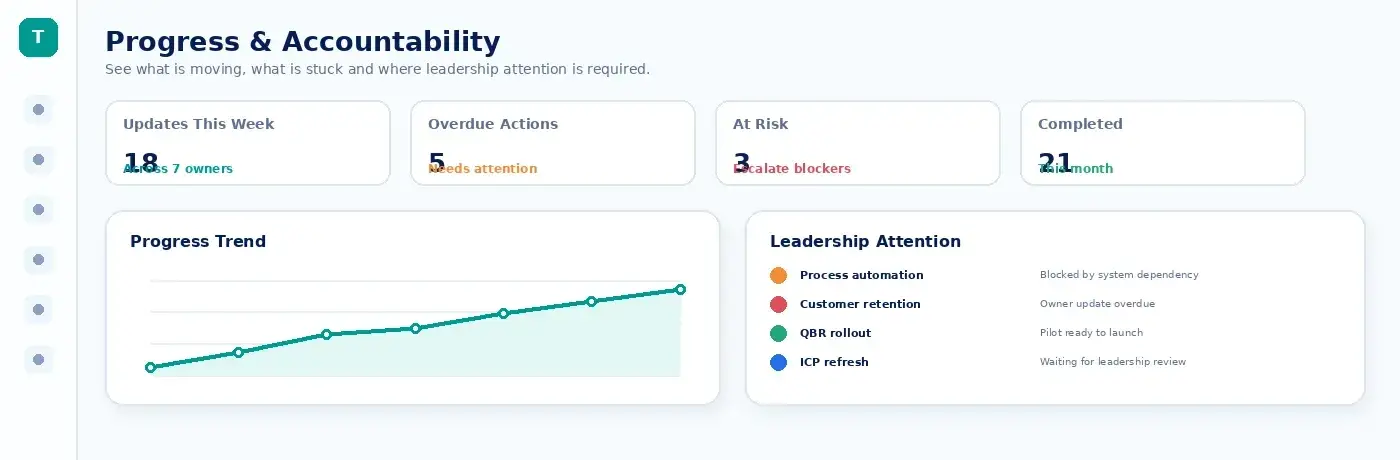
Track every commitment across the organisation in one connected system.
Progress & Accountability preview
See commitments from every workflow
Identify what is due, overdue or blocked
Review progress by individual owner
4

Team Rhythms & Performance

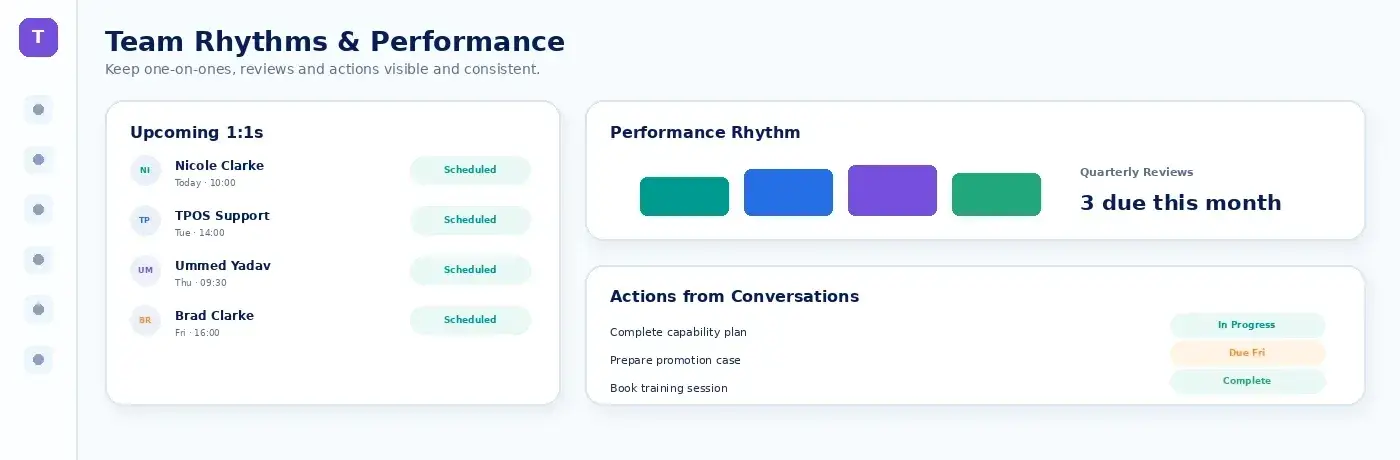
Run structured 1:1s and the complete annual performance-review cycle.
Team Rhythms & Performance preview
Set recurring 1:1 and review rhythms
Capture notes, decisions and actions
Connect goals, checkpoints and reviews
5

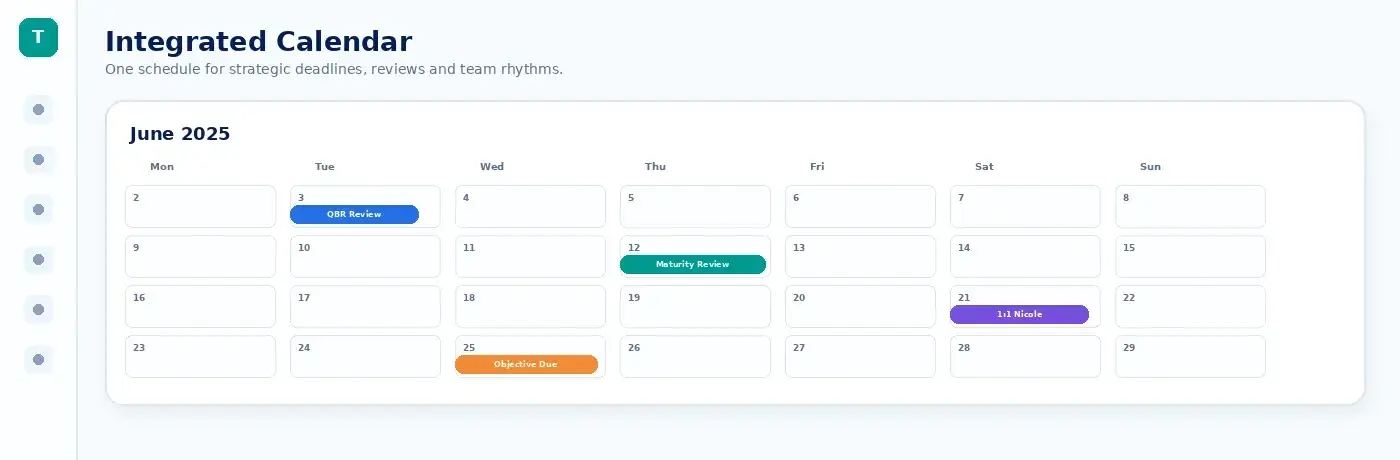
Integrated Calendar

Bring every meeting, deadline, review and commitment into one role-aware schedule.
Integrated Calendar preview
See organisation and personal schedules
Filter meetings, tasks and reviews
Connect and synchronise Microsoft 365

Get the Most from This Hub

Watch a quick overview to see how planning, operational ownership, commitments, people rhythms and the calendar work together.

Strategic Planning

Turn 3–5 annual objectives into connected initiatives and accountable tasks.

Planning & Execution walkthrough
00:00

What you’ll see

  • 3–5 focused annual objectives
  • Initiatives aligned to each objective
  • Individual tasks assigned to clear owners
  • Leadership-only or team-shared visibility

How to use this page

  • Set the organisation’s priorities for the year
  • Break each objective into delivery initiatives
  • Turn initiatives into owned, dated tasks
  • Choose the right visibility for each objective
Keep the hierarchy connected

Objectives define what matters. Initiatives organise the work. Tasks create clear individual accountability.

Operational Ownership

Give every operating area a clear owner and a credible maturity target.

Planning & Execution walkthrough
03:10

What you’ll see

  • Every TPOS operating area in one view
  • A clear owner assigned to each area
  • Current and target maturity levels
  • Improvement roadmaps and supporting resources

How to use this page

  • Assign one accountable owner to each operating area
  • Confirm the current maturity of each area
  • Set a realistic target maturity level
  • Equip owners with the right roadmaps and resources
One accountable owner

Shared work can involve many people, but each operating area should have one person clearly accountable for progress.

Progress & Accountability

See commitments from every workflow, the accountable owner, due date and current status.

Planning & Execution walkthrough
06:20

What you’ll see

  • Commitments from across every workflow
  • Clear owners, due dates and current status
  • Overdue, blocked and at-risk commitments
  • Progress filtered by team member or workstream

How to use this page

  • Capture commitments as work is agreed
  • Give every commitment an owner and due date
  • Identify what is overdue, blocked or at risk
  • Review progress regularly with each owner
Make commitments visible

Accountability improves when work is captured once, has a clear owner and can be reviewed consistently in the same place.

Team Rhythms & Performance

Connect regular people conversations, goal setting and performance reviews into one leadership rhythm.

Planning & Execution walkthrough
09:35

What you’ll see

  • Recurring 1:1s and team review rhythms
  • Goal-setting and performance-review cycles
  • Notes, decisions and follow-up actions
  • Recent meetings and upcoming checkpoints

How to use this page

  • Set recurring 1:1 and review schedules
  • Record notes, decisions and agreed actions
  • Connect goals to regular performance checkpoints
  • Keep managers and team members accountable
Use rhythm to create consistency

The value comes from regular conversations and follow-through, not only from the annual performance review.

Integrated Calendar

Bring organisation-wide and personal schedules, meetings, reviews, tasks and deadlines together.

Planning & Execution walkthrough
12:50

What you’ll see

  • Organisation-wide and personal schedules
  • Meetings, reviews, tasks and deadlines together
  • Filters for different calendar activity types
  • Connected Microsoft 365 calendar events

How to use this page

  • Connect and synchronise Microsoft 365
  • Add recurring meetings and business rhythms
  • Schedule important tasks, reviews and deadlines
  • Filter the calendar to focus on what matters
One role-aware schedule

Use the integrated calendar to see business rhythms, personal commitments and Microsoft 365 events without losing context.

Next: Operational Ownership

Common Questions

How many annual objectives should we set?

The final-edit guidance recommends 3–5 focused annual objectives so the business can resource and review the plan consistently.

What appears in Progress & Accountability?

Commitments from across workflows, including objectives, tasks, growth roadmap actions and follow-up commitments.

Can the calendar synchronise with Microsoft 365?

Yes. The hub is designed to connect and synchronise Microsoft 365 calendar events.